Managing your subscription and billing
Change plan, update your card, or cancel — all from your billing settings.
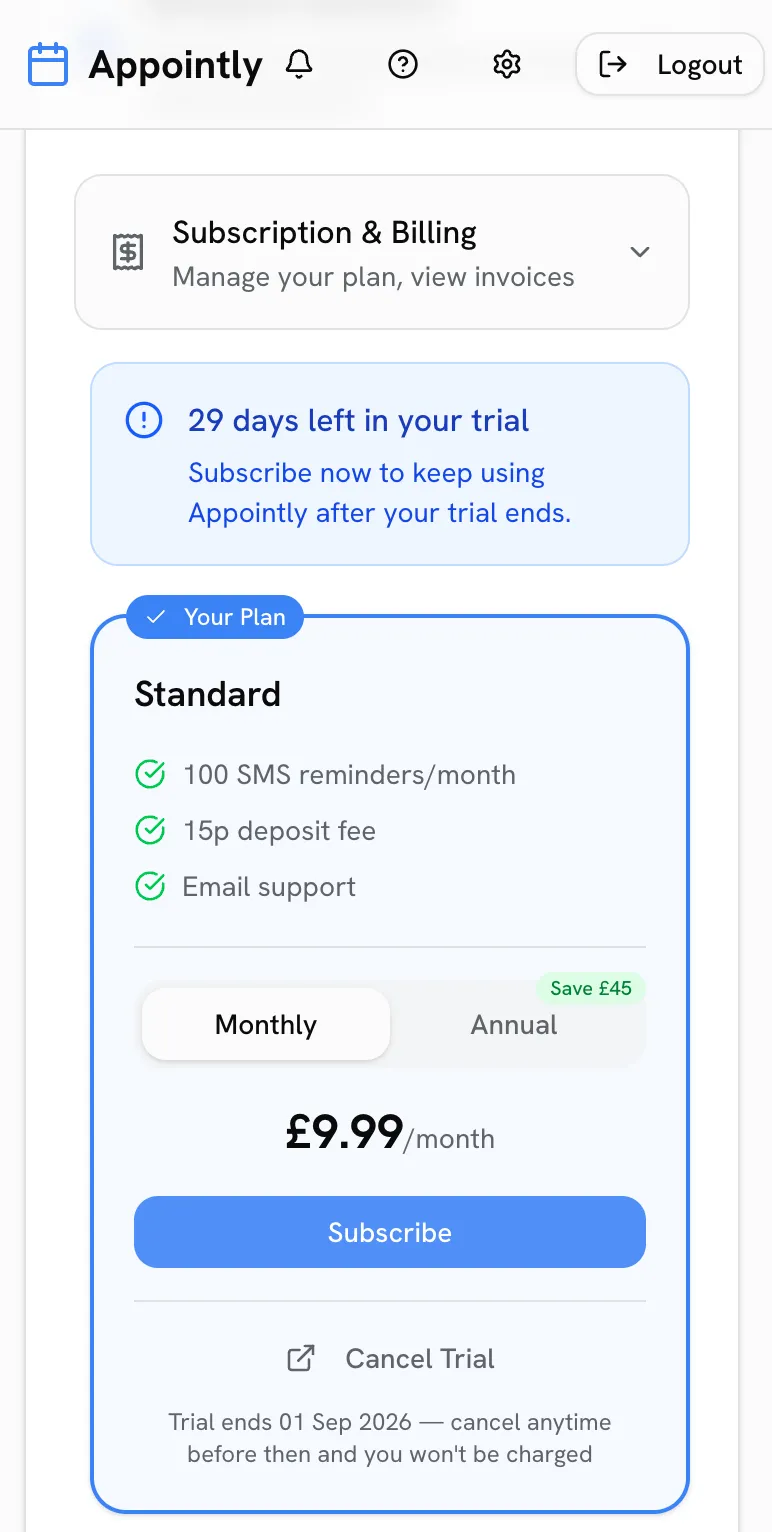
On a trial? You will not be charged until the trial ends, and cancelling during the trial costs nothing.
Your plan
See your current plan and renewal date in Settings > Billing & Payments > Subscription & Billing. You can switch between Standard and Pro, or between monthly and annual billing, at any time.
Updating payment details
Use Manage Billing to update your card, view invoices and download receipts — it opens a secure Stripe portal.
Cancelling
You can cancel your trial or subscription any time from Settings → Billing — no phone calls, no hoops. Your account stays active until the end of the period you have paid for.