Accept payments/Taking deposits from clients
Protect your time by taking a card deposit when clients book. Appointly charges 1.2% + 0.35p per transaction
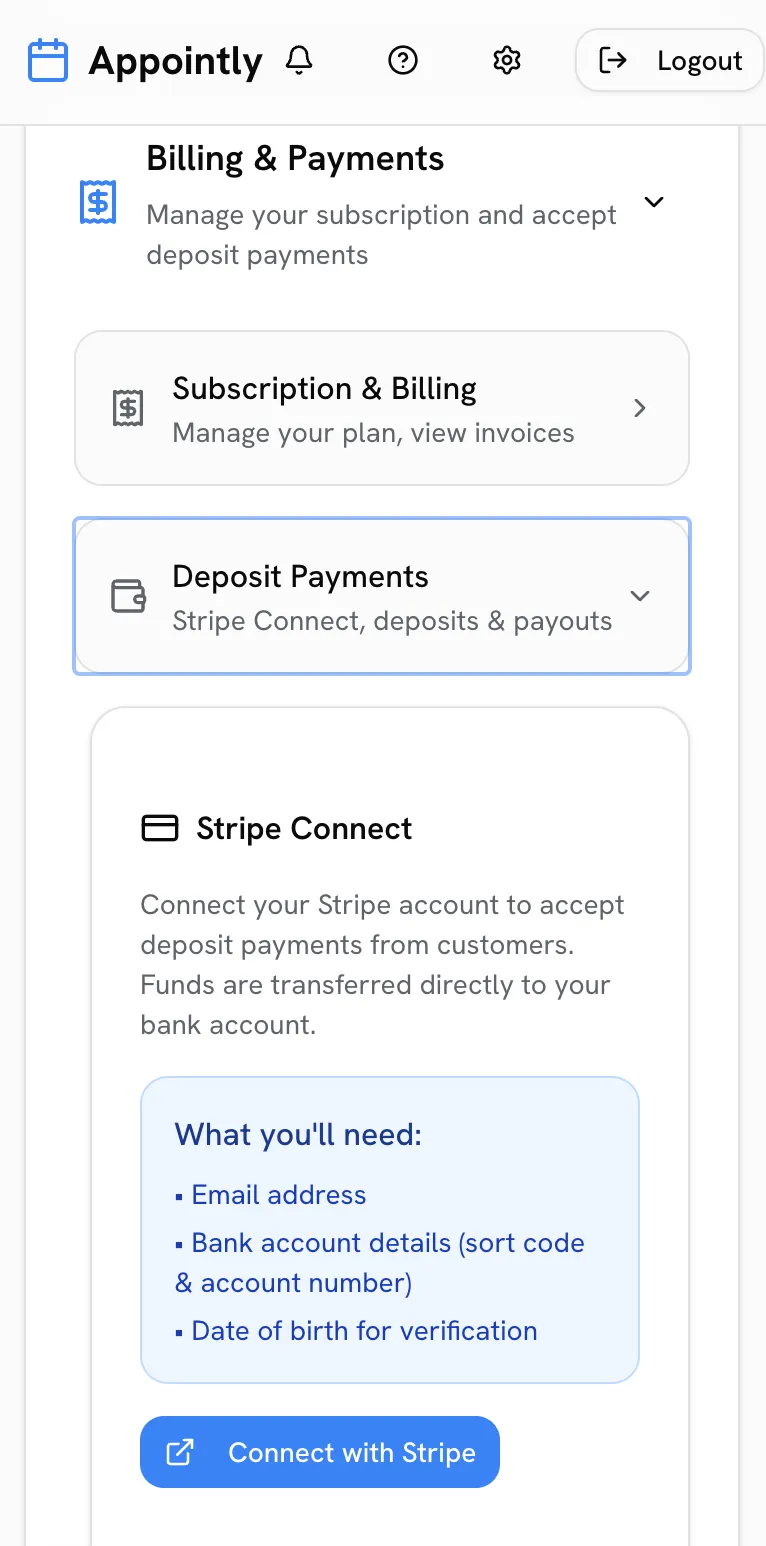
Deposits require a connected Stripe account. Please ensure this is setup.
Deposits are the best way to cut no-shows. Appointly collects them securely by card at the moment a client books.
Connect your bank account
Go to Settings > Payments > Deposit Payments > Connect with Stripe. It takes a couple of minutes to setup and payouts go straight to your bank account.
Choose your deposit amount
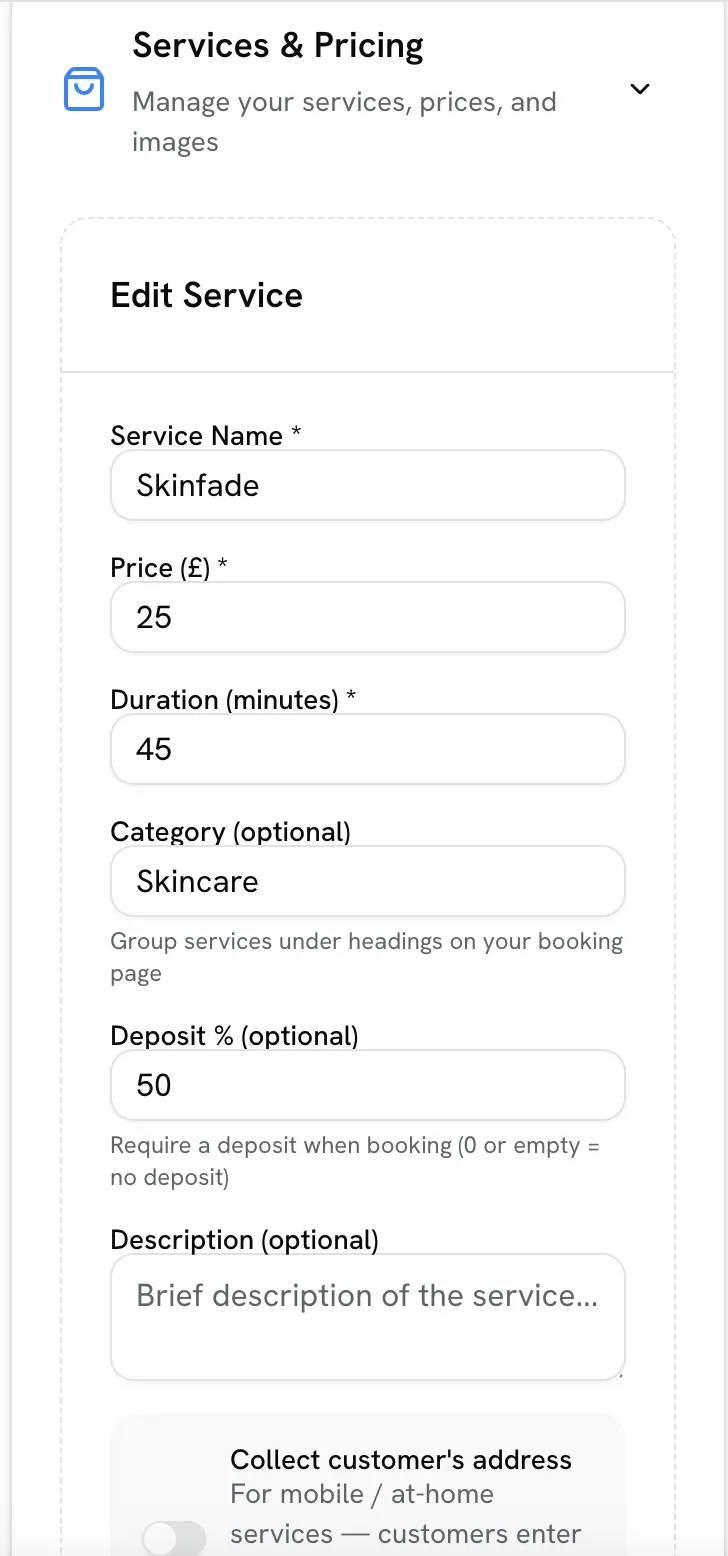
Set a deposit per service — either a fixed amount or a percentage of the service price. Clients pay the deposit when booking and the rest on the day.
Refunds and cancellations
Your cancellation policy controls what happens to deposits when a client cancels. You can refund in full, keep the deposit, or set a cut-off time — it is applied automatically.